The best mod for creating masterpieces in GD

EdiTool 1.3

Decorate your gameplay with Auto Deco and preview trigger-driven movement right in the editor. Building levels just got easier!

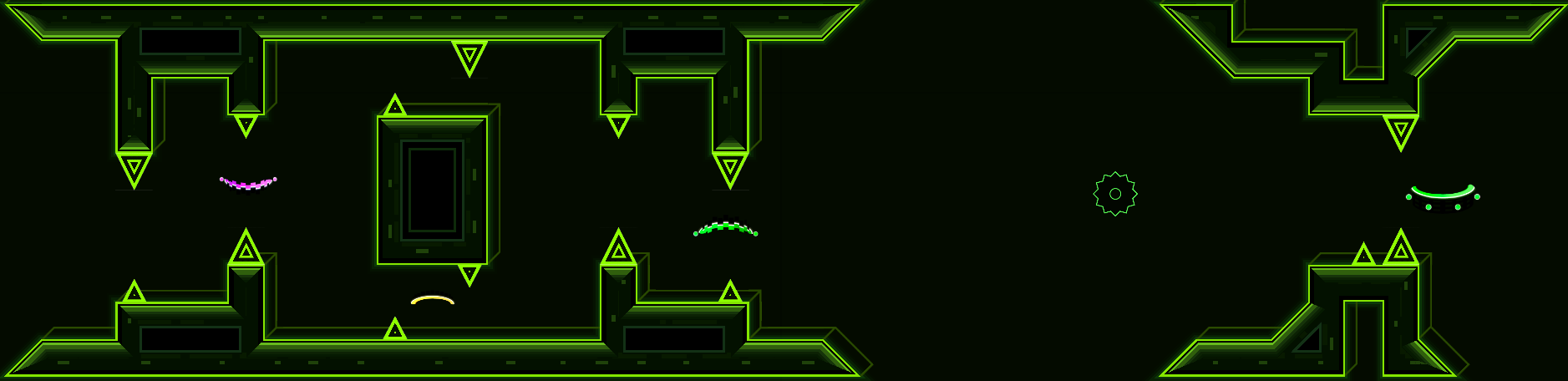
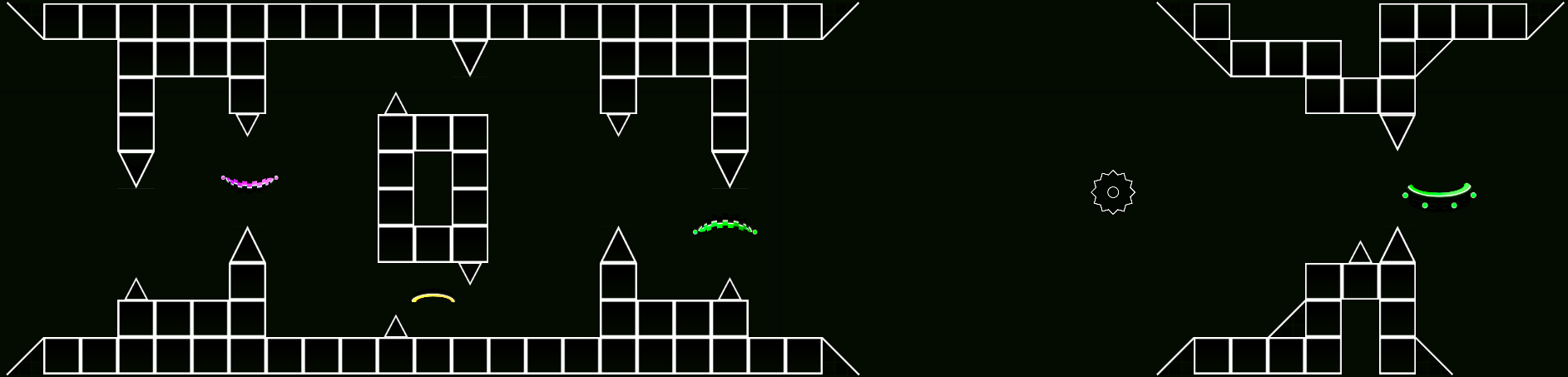
A level section decorated with Auto Deco
Auto Deco

New features

Auto Deco

Select a section of your level, pick a style, and click Decorate. Auto Deco recognizes blocks, slopes, and spikes and fits Geometry Dash decorations to their shapes.

Auto Deco demo in the editor

Styles and settings

Try styles and palettes right in the editor. Apply the decoration when you are happy with it, or cancel to return to your original layout.

  • Choose from eight styles — Reactor, Terracotta, Viridian, Blackout, Visage, Halftone, Blueaff, and Nightshade.
  • Depending on the style, customize the background, ground, parallax, animation, 3D, or glow.
  • Build custom styles from decorated structures. The library shows which shapes need more examples and lets you share styles or download them from other creators.

Geometry Dash

Tools in action

X-Ray Loupe

Magnify details and look through decoration to spot spikes, orbs, pads, and portals. On PC, hold Z for the loupe, press X for X-ray, and press C for full screen. On Android, long-press to open the loupe.

Magnification and X-ray in the editor

Trigger Ghost

Preview what Move, Rotate, and Scale triggers do right in the editor. Several preview modes are available.

Previewing group motion

Text Tool gradients

Pick two colors and set 2 to 16 steps. Set the direction with two points on the canvas and preview the gradient before placing your text.

Setting a gradient on the canvas

Group Users and Orphans

Group Users shows which triggers reference a group and how they use it. Orphans finds triggers with empty targets and groups with no references. Undo restores deleted triggers. Removing group IDs skips the undo history.

Finding trigger references and unused groups

Interface

A redesigned menu

The desktop menu has six sections, including Media and Triggers. On Android, the menu now remembers the last tab you opened for easier access.

EdiTool 1.3

More changes

New features 3
Saw Speed
Adjust or stop the rotation of saws and other spinning objects. Set the speed in Saw Speed and it applies automatically when you place a saw or another spinning object.
Next Free offset
Set the starting ID for finding a free group in Edit Group. The level saves this value, and Build Helper uses it too.
Update checks
EdiTool checks for a new version when the game starts and offers to install a signed package. Restart the game to finish installing the update.
Improvements 7
Duration Drag
Adjust each trigger on its own or use the shared handle to add the same amount of time to every selected trigger. One Undo reverses the whole edit.
Scatter Brush
Build a mix of up to 16 entries in Multi, including Custom presets. Spacing accounts for object sizes, and Spray keeps painting while held in one place.
Curve, Shape, and Line
Curve can close and fill paths, turn smooth points into corners, and snap new segments to 15° increments. Shape rotates before placement and adds Square and Center controls for touch. Line previews the chosen color before drawing.
Polygon, Lasso Fill, and Eyedropper
Updated fills reduce seams on translucent shapes. Paste Color applies the sampled color to selected objects. On Android, holding your finger shows a crosshair and color swatch.
Text Tool
Use the arrow keys to browse font styles and keep typing as soon as you close the font picker.
Trig Lines, Zoom+, and Hide UI
Trig Lines connects Area Stop to Area triggers by Effect ID. Zoom+ zooms more smoothly toward the cursor and works with the interface hidden. The eye button brings the editor panels back in one click.
Workshop, Image Trace, and GIF to GD
Workshop loads cards as you scroll and fills in codes from the clipboard. Image Trace and GIF to GD have rearranged settings, previews, and progress indicators. Pasting an image shows separate Load Image and Image Trace cards.
Fixes 5
Autosave and object palette
Set Autosave to any interval from 1 to 60 minutes. Object Scroll places the palette more accurately, recognizes swipes more reliably, and works in paused playtests when object placement is available.
Touch controls
Tap to fill in Smart Fill and drag to move the camera. In Lasso Select on Android, Swipe enables drawing the outline. Curve and Shape handle two-finger gestures more reliably. Android no longer opens RMB Menu with a long press or two-finger tap.
Art Agent and Song Bypass
Move the cursor with the arrow keys and edit within a message in Art Agent. Song Bypass skips hidden tracks with no audio file and remembers the selected track.
Editor and playtest
Fixed opening the editor during Pause Complete, resetting levels with Eclipse StartPos Switcher, selecting layer 0, and restoring the window after an interrupted Slider Focus drag.
Screenshots, buttons, and activation
Screenshot captures the regular level view even in full-screen X-ray. Verify Hack displays a confirmation. Load Image and Hide UI buttons can be restored in settings. The activation window was updated, and some checks run in the background.

Download the mod

Get EdiTool

Lifetime license for PC and phone. No subscription.

Platforms

  • Windows
  • Android
  • Linux

On Linux, choose the Windows build.

one-time purchase

$4

Online checkout in RUB

Creator
Axon
Ideas
kiragdmj hashinoby Iten47 linwy
Code help
Camellia Qwix
Art Designer
flwr